PIN driver switching
Drivers select their configured profile on the shared tablet with their PIN.
Android tablet app
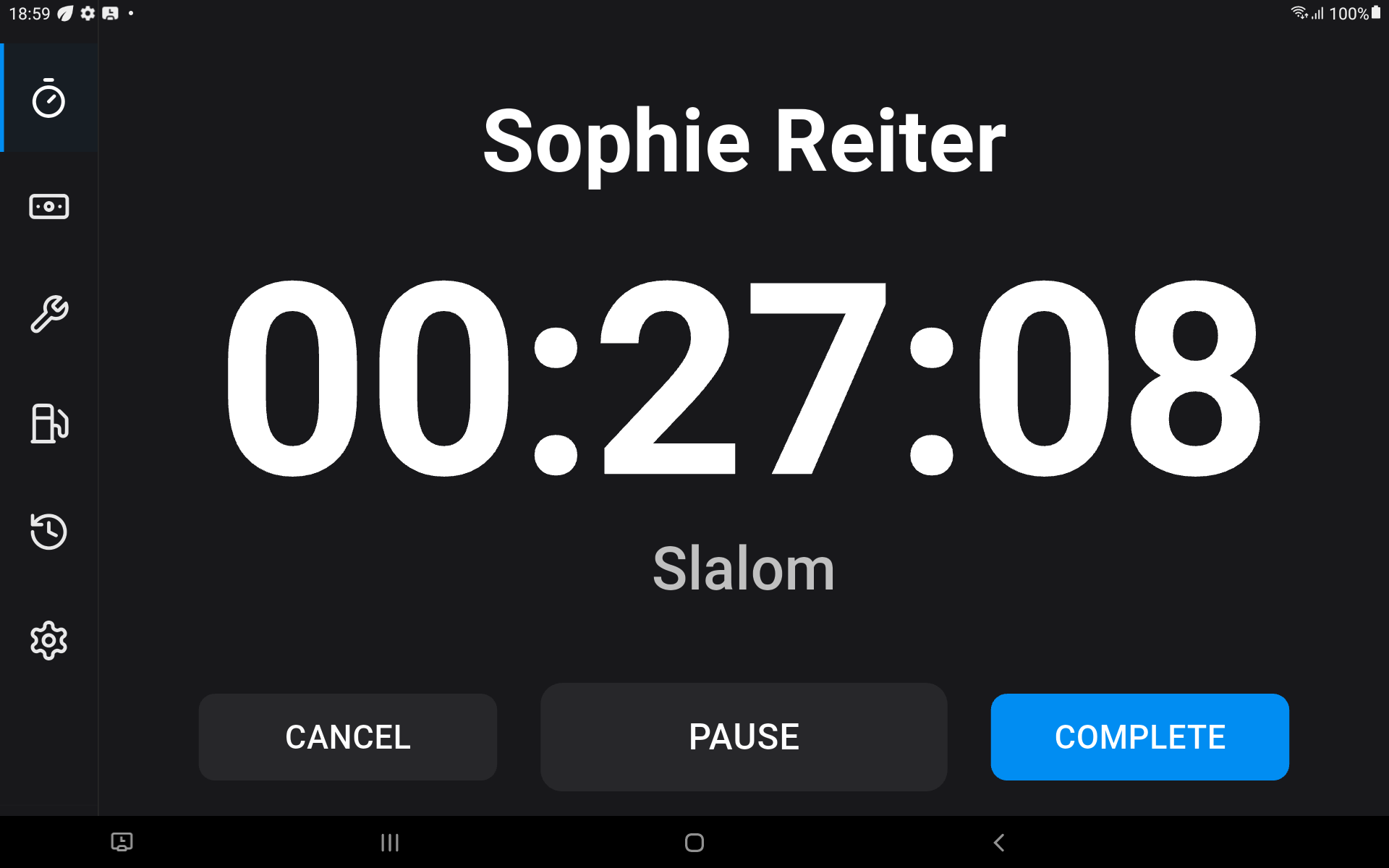
The installed Android app is designed for a shared tablet at the dock or in the boat. Drivers switch with a PIN and record sessions and boat data.
Request a demo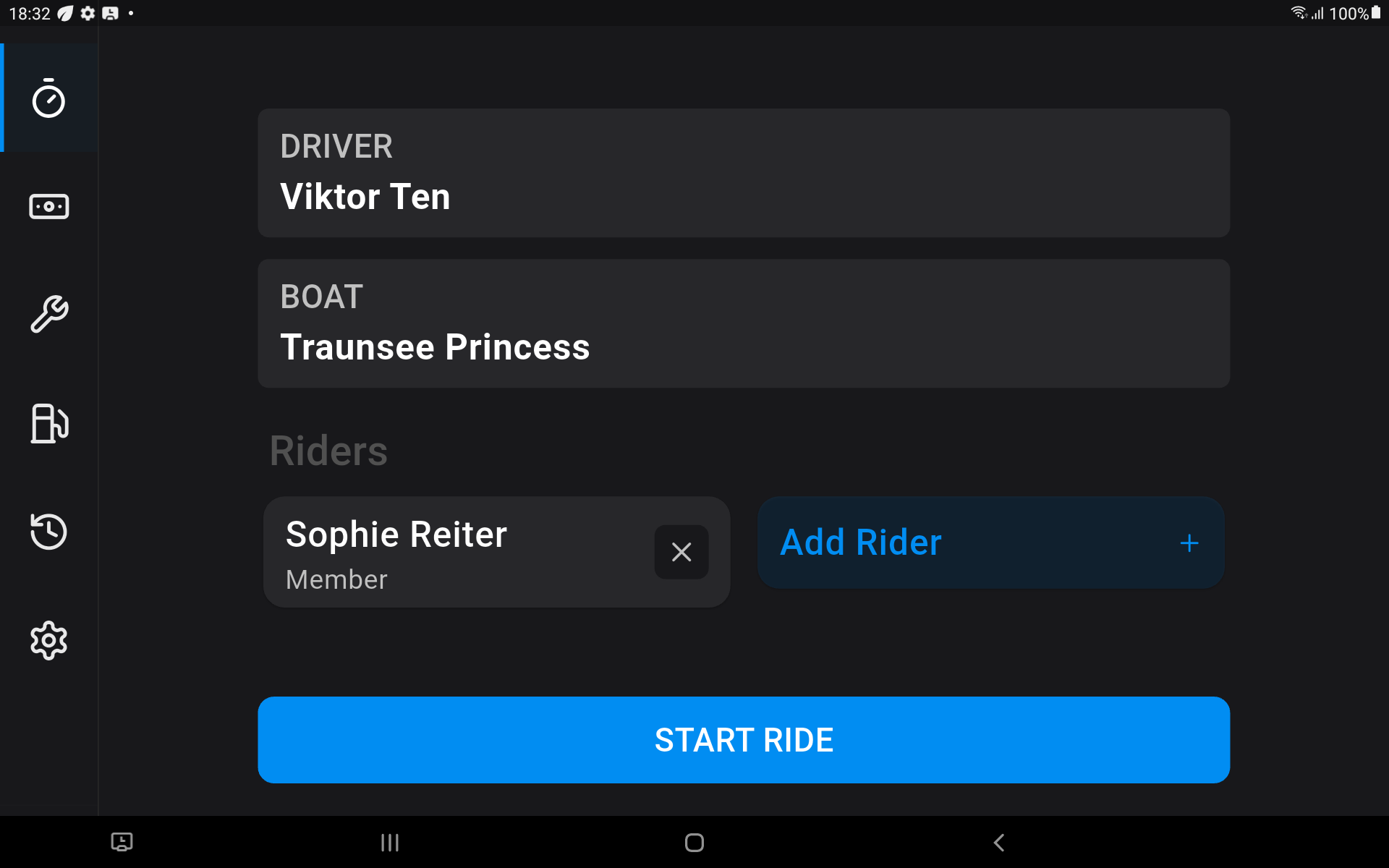
Drivers select their configured profile on the shared tablet with their PIN.
Staff can review completed and not-yet-synchronized sessions on the device.
Record fuel volume, engine hours, and maintenance duration against the selected boat.
While the app is open, it can warn staff about movement without an active ride or maintenance timer.
Several configured drivers can use the same tablet. Each driver selects their profile with a PIN before recording a session.
The tablet stores completed sessions, refills, and maintenance records until it reconnects.
No. WSKI Data supports Android tablets, not phones or iPads.
Yes. Configured drivers switch on the device with their PIN.
The app supports English, German, French, and Italian.
We will walk through session setup, timing, and synchronization.